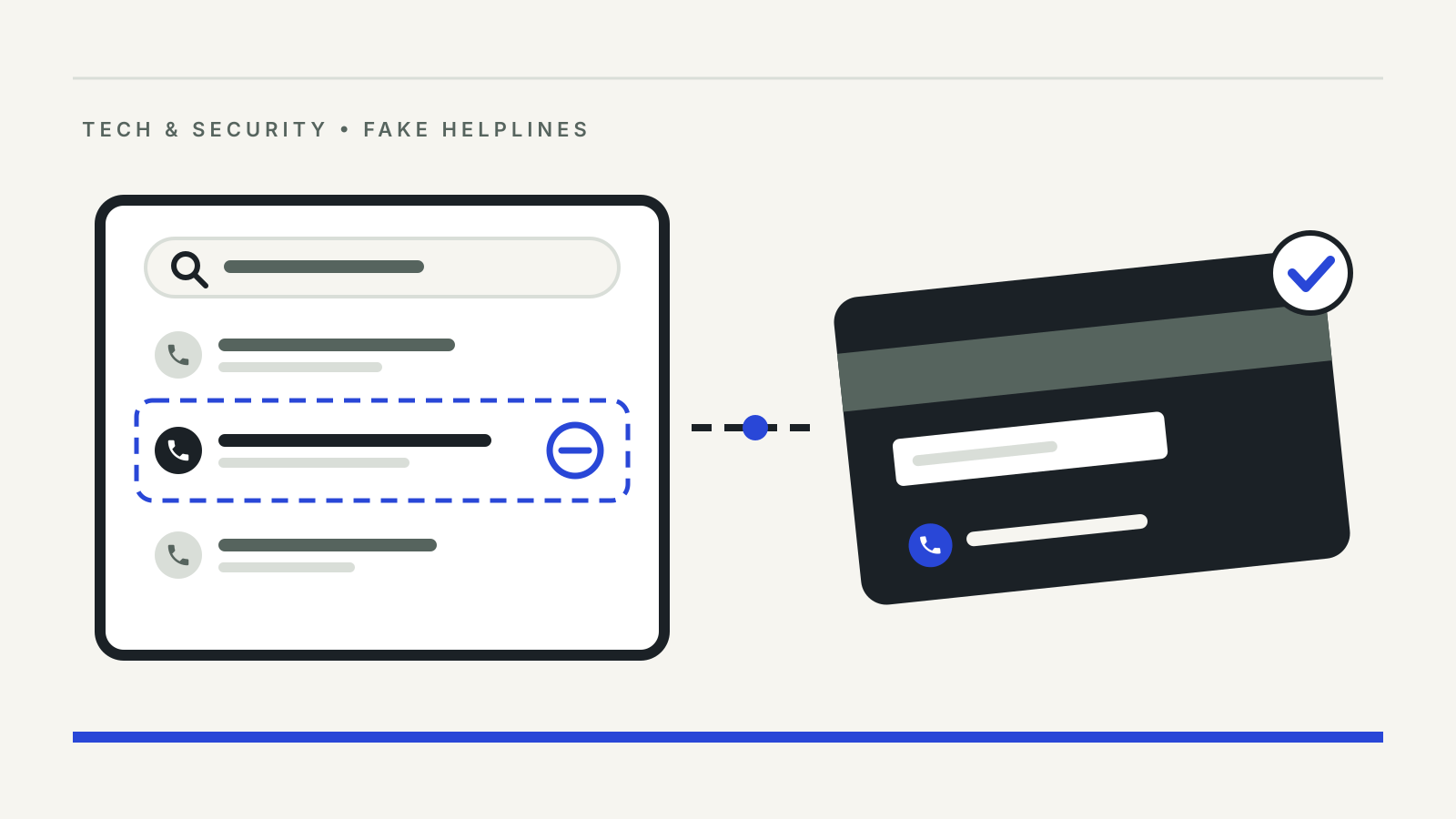
Fake customer care number fraud starts with an ordinary search. A refund has not arrived, a card is blocked or a delivery is stuck, so you type the company’s name and “customer care” into a search engine or a social media app and call the first number that appears. The person who answers sounds helpful, knows the brand’s vocabulary and offers to fix the problem. The number belongs to a fraudster, and the “fix” ends with money leaving your account.
The Department of Financial Services in the Ministry of Finance lists this as “customer care fraud” on its cyber security and fintech page: scammers “manipulate search engine results to display fake customer care numbers”, and people who call them “unknowingly share sensitive information”.
Official guidance checked on 27 October 2026.
How the scam works
The Indian Cybercrime Coordination Centre (I4C) under the Ministry of Home Affairs flagged the pattern in an advisory of 21 March 2022, “Cybercriminals using Fake Customer Care Numbers / Helplines to defraud citizens”, listed on the advisories page of the National Cyber Crime Reporting Portal. Its starting point is simple: search engines and social media are where most people look for the helpline of a bank or merchant, so that is where fake numbers are planted.
The numbers turn up in several places:
- search engine results, which the Department of Financial Services says scammers manipulate;
- social media, including replies to customers who post complaints in public, both listed in an I4C presentation on financial fraud trends of 12 August 2024;
- text messages, such as fake electricity disconnection notices that, the Department of Financial Services notes, may carry the “fake contact number of electricity officer”.
Once you call, the script usually follows one of a few routes. The caller asks for card details, an OTP or a UPI PIN “to verify” you. Or they send a payment request or a QR code and present it as a refund. Or they ask you to install a screen-sharing or remote-support app so they can “check” your phone. CERT-In described this last route in its advisory on screen-sharing apps of 30 January 2020: scammers pose as company representatives, get remote access and then record card details, bank details, the UPI PIN or an OTP. Our guide to screen-sharing app fraud covers what to do if that has already happened.
Warning signs on the call
None of these on its own proves fraud, but each is a reason to hang up and start again from an official channel:
- the number came from a search result, a social media comment or a forwarded message rather than the company’s own app, website, statement or card;
- the agent asks for a PIN, password, CVV or OTP, or asks you to read out a code that arrived by SMS;
- a “refund” needs you to scan a QR code, approve a collect request or enter your UPI PIN;
- you are asked to install an app, especially from a link rather than an official app store.
The Department of Financial Services is direct on two of these: “Never share sensitive / financial information like card number, expiry date, CVV, PIN, OTP or Financial credentials with anyone”, and “Enter UPI PIN / scan QR code only to make payment, not for receiving money.”
Where to find a genuine helpline
CERT-In’s advice is the simplest test: “Never call customer support numbers available on search engines. Use phone numbers available on the company website.” The Department of Financial Services says the same and adds that you should rely on “official websites or apps of the company or organization for authenticated customer care contact details”.
In practice, the safer sources are:
- the help or contact section inside the company’s own app, installed from the official store;
- the company’s website, reached by typing the address you already know rather than clicking an advert or a search result;
- the back of your debit or credit card, your passbook or account statement, which the bank itself issued;
- for a utility, the number printed on the original bill, as the Department of Financial Services advises.
If a complaint has gone nowhere, escalate through the formal route instead of looking for a “senior” number online. Our guides to UPI complaints and the RBI Ombudsman set out each step.
What has changed for calls from banks
The reverse problem is a call that claims to come from your bank. Here India’s telecom rules now help. The Telecom Regulatory Authority of India (TRAI) issued a Direction on 19 November 2025 requiring entities regulated by the RBI, SEBI and PFRDA to make service and transactional calls from numbers in the “1600” series. According to TRAI’s press release of the same day, commercial banks had to move by 1 January 2026; large NBFCs, payments banks and small finance banks by 1 February 2026; and other NBFCs, co-operative banks and regional rural banks by 1 March 2026. Mutual funds and asset management companies had until 15 February 2026 and qualified stockbrokers until 15 March 2026. After those dates, the Direction says, these entities may not start service or transactional calls from numbers outside the 1600 series.
In a clarification on 10 July 2026, TRAI said the 1600 series is used by entities regulated by the RBI, SEBI, IRDAI and PFRDA for service and transaction calls to existing customers, and by government entities for calls to citizens. Promotional calls from any sector must come from 140-series numbers.
So a “bank” calling about your account from an ordinary ten-digit mobile number deserves suspicion. The rule cuts one way only, though. A 1600 number tells you who is allowed to call you; it is not a number you should search for and call, and it does not make a request for an OTP or PIN acceptable.
If you have already called a fake number
Move quickly, in this order:
- End the call. If you installed a remote-access app, switch off mobile data and Wi-Fi first.
- Contact your bank through a number you trust, such as the one on your card or in its app, and ask it to block the card, UPI or net banking access that was exposed.
- Report the loss. Call 1930 and file a complaint on the National Cyber Crime Reporting Portal. Our 1930 complaint guide lists the details to keep ready.
- Report the number itself. The Department of Telecommunications asks people to report suspected fraud calls and messages through the Chakshu facility on Sanchar Saathi, as it said in a 14 May 2024 advisory. Our explainer on Chakshu and Sanchar Saathi shows how.
- Change passwords and PINs for the accounts discussed on the call, starting with your email.
Keep the call log, the fake number, the web page or post where you found it, and every transaction reference. How quickly you tell the bank can affect your liability for an unauthorised transaction; our explainer on customer liability in unauthorised electronic banking transactions explains the time limits.
Questions readers ask
Is every customer care number on Google fake?
No. Many search results point to genuine pages. The risk is that you cannot tell from the result alone, which is why CERT-In and the Department of Financial Services advise taking the number from the company’s own website or app.
Will a genuine customer care agent ask for my OTP or UPI PIN?
The Department of Financial Services advises never sharing a card number, CVV, PIN, OTP or other financial credentials with anyone. A UPI PIN is needed only to send money, never to receive a refund.
How do I know a call is really from my bank?
Since TRAI’s Direction of 19 November 2025, banks and other RBI-, SEBI- and PFRDA-regulated entities have to make service and transactional calls from 1600-series numbers. If in doubt, hang up and call the bank back on the number printed on your card or in its app.
Sources
- Department of Financial Services, Ministry of Finance: Cyber Security and Fintech, checked 27 October 2026.
- Indian Cybercrime Coordination Centre (MHA): Advisories on the National Cyber Crime Reporting Portal, including “Cybercriminals using Fake Customer Care Numbers / Helplines to defraud citizens”, 21 March 2022.
- CERT-In: Advisory CIAD-2020-0003, Fraudulent Activity Using Screen Sharing Apps, 30 January 2020.
- TRAI: Direction on adoption of the 1600 series by BFSI entities, 19 November 2025.
- TRAI: Press Release No. 135/2025, 19 November 2025.
- Press Information Bureau: TRAI releases clarifications regarding functioning of designated 1600 series and 140 series, 10 July 2026.
- Press Information Bureau: DoT does not make calls to citizens threatening disconnection, 14 May 2024.
- Indian Cybercrime Coordination Centre: Recent Cybercrime Trends in Financial Frauds, presentation of 12 August 2024 hosted by NCERT’s CIET.
- Ministry of Home Affairs: National Cyber Crime Reporting Portal.