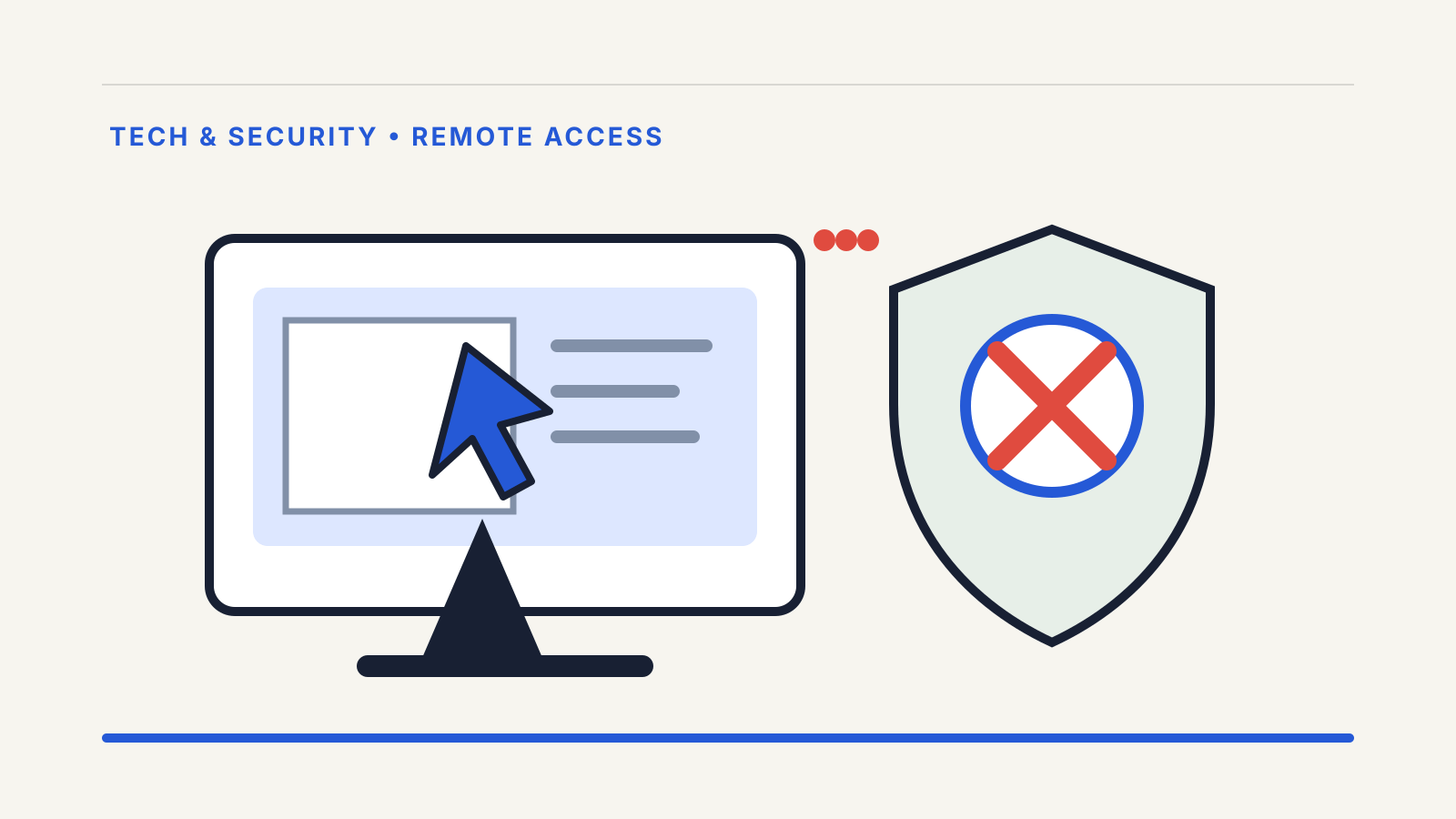
Screen-sharing app fraud in India often begins with a believable offer of help: a caller claims to represent a bank, wallet, courier, telecom company or marketplace and asks you to install a remote-support app. The app itself may be legitimate. The fraud is giving an unknown person permission to watch or control your phone while financial accounts are open.
CERT-In warns that screen-sharing applications can give another person complete access to the information on a device. A fraudster may use that view to capture card details, banking credentials, UPI PIN entry or one-time passwords, then move money while pretending to troubleshoot a problem.
Official guidance checked on 24 October 2026.
How the screen-sharing scam works
The caller first creates urgency. Common claims include a failed refund, blocked KYC, a suspended SIM, a courier fee or a bank account that needs “verification”. You may be directed to an app store so the software appears safe.
The warning sign is not merely the download. It is the request to:
- read out a session code;
- enable accessibility, screen capture or device-administrator permission;
- open a bank or payment app while the session is live;
- enter a UPI PIN, card detail or OTP where the other person can see it;
- move money to a “safe” account or approve a collect request;
- keep the call and remote session running while you act.
In its advisory on screen-sharing apps, dated 30 January 2020, CERT-In says scammers pose as bank or wallet support, persuade a user to install an app and then capture financial information. RBI’s BE(A)WARE booklet describes the same pattern: the fraudster watches or controls the phone or laptop and uses exposed credentials for unauthorised transfers or payments.
Why app-store availability is not proof
Remote-support tools have legitimate uses. An app-store listing only tells you where the software came from; it does not verify the person asking you to run it.
A real technician may use screen sharing when you initiated a support request through an official channel. Even then, RBI’s guidance says to log out of payment-related apps, use the company’s official toll-free number and remove the screen-sharing app when the work is complete.
A bank employee, police officer or customer-care agent does not need your UPI PIN or banking password. An OTP authorises or confirms an action; it is not a ticket number for support.
What to do if the session is still active
Act in this order:
- Disconnect the phone from the internet. Turn off mobile data and Wi-Fi, or use airplane mode. This can interrupt the remote session.
- End the call and close the app. Do not negotiate with the caller.
- Use another trusted device to contact the bank. Ask it to block affected digital access, cards or payment instruments as needed.
- Report a financial loss immediately. Call 1930 and use the National Cyber Crime Reporting Portal. Our step-by-step 1930 complaint guide lists the details to preserve.
- Change the password of the recovery email first. Then secure banking, wallet, shopping and telecom accounts.
- Remove the remote-access app and review permissions. Check accessibility services, device-administrator apps, notification access, screen-capture permissions and installed configuration profiles.
If the caller persuaded you to share an OTP or PIN, tell the bank exactly what was disclosed. That fact can affect how it investigates liability, but delay makes recovery harder. Our explainer on liability for unauthorised electronic banking transactions covers RBI’s reporting timelines and the difference between a third-party breach and customer negligence.
Evidence to save before cleaning the phone
If it is safe to do so, use another device to photograph or note:
- the caller’s number and call time;
- the name and store page of the remote-access app;
- the session code or ID;
- transaction IDs, UPI reference numbers and amounts;
- SMS, email and in-app alerts;
- permissions that were enabled;
- the bank complaint number and 1930 acknowledgement.
Do not leave the phone online simply to collect evidence. Stopping ongoing access comes first. Screenshots stored only on the affected phone may also be visible to the attacker, so copy essential records through a safe route after disconnecting it.
Check whether access survived the uninstall
Deleting the visible app may not undo every change. Review:
- accessibility services for unfamiliar entries;
- device-administrator or device-management settings;
- apps allowed to install unknown software;
- notification access and default SMS apps;
- call forwarding and SIM status;
- bank and email login sessions;
- newly added beneficiaries, mandates or UPI IDs.
Run the device’s built-in security scan and install operating-system updates. If control returns, settings change by themselves or an unknown management profile remains, back up essential personal files and seek help from the device maker through its official support channel. A factory reset may be warranted, but it should follow account and bank protection—not replace them.
How to handle genuine support safely
Start from the organisation’s official website or app. Call the published number yourself. Ask whether remote access is really necessary and what the technician should be able to see.
Before any authorised session:
- close email, messages, banking and password-manager apps;
- hide notifications containing OTPs;
- do not enter financial credentials while sharing;
- revoke the session as soon as the task ends;
- uninstall the tool if it is no longer needed.
The key test is who initiated and controls the interaction. If a stranger contacts you, creates urgency and asks for device control, stop. Verify the issue independently through the organisation’s official channel.
Questions readers ask
Can a genuine support agent ask me to share my screen?
A genuine technician may offer remote support after you contact the organisation through an official channel. Close financial apps and notifications, never reveal a PIN or OTP, and end the session when the task is complete.
Is uninstalling the remote-access app enough?
Not always. Revoke its permissions, check accessibility and device-management settings, review account sessions and remove any unfamiliar beneficiary or mandate.
Where should I report money lost through screen-sharing fraud?
Call 1930 immediately, report through cybercrime.gov.in and notify the bank or payment provider through its official channel. Save every acknowledgement and transaction reference.