UPI Lite vs UPI is mainly a choice between a small, pre-funded balance for quick payments and a direct debit from your bank account. UPI Lite removes the UPI PIN step for eligible low-value payments, but it also asks you to treat the loaded balance much like cash. Regular UPI remains the better fit for larger transfers, recurring instructions and payments that need the bank account to be debited immediately.
The difference in one table
| Feature | UPI Lite | Regular UPI |
|---|---|---|
| Where the money comes from | A balance loaded from your linked bank account | Your linked bank account at the time of payment |
| PIN at checkout | Not required for eligible Lite payments | Usually required, subject to the specific UPI flow |
| Current Lite ceiling | Up to ₹1,000 per transaction and ₹5,000 total balance | Limits vary by use case, bank and app |
| Bank statement | Top-ups and transfers appear; individual Lite payments may stay in the app history | Each completed debit normally appears against the bank account |
| Typical use | Tea, local travel, canteen bills and other small purchases | Person-to-person transfers, larger merchant payments and mandates |
The Reserve Bank of India raised the UPI Lite ceiling on 4 December 2024. Its amended small-value payments framework sets ₹1,000 as the per-transaction limit and ₹5,000 as the total balance limit. These are maximums for the product; an app or bank may apply a lower operational limit.
For a broader view of bank- and use-case-specific ceilings, see our current UPI limits guide.
How UPI Lite works
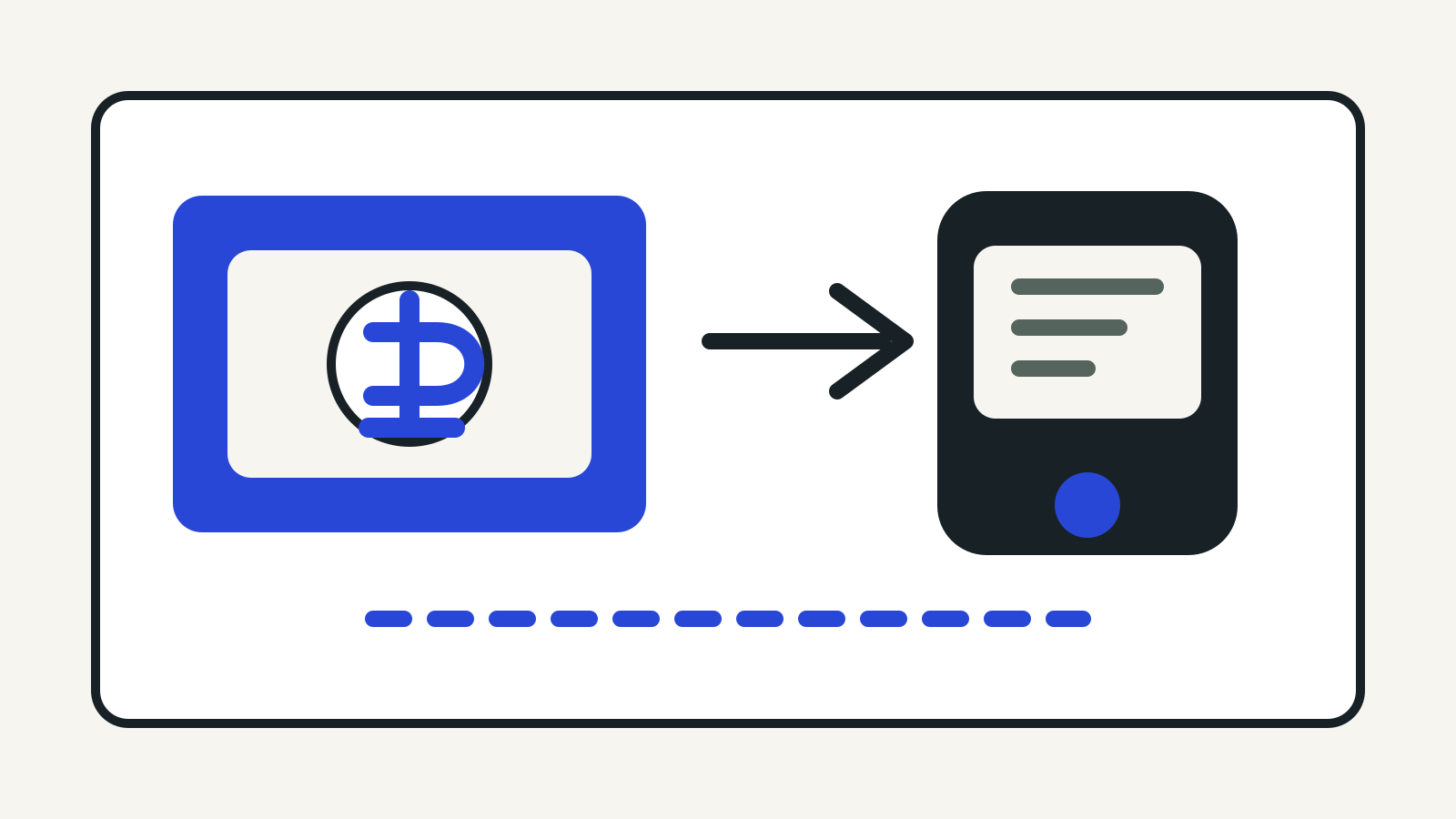
UPI Lite is enabled inside a participating UPI app. You choose a linked bank account, decide how much to load and authorise that top-up with your UPI PIN. The app then shows a separate Lite balance. An eligible payment is taken from that balance without asking for the PIN again.
That design has two practical effects. First, a ₹60 or ₹200 purchase can be faster because the bank does not have to complete the usual authentication step at checkout. Second, the bank statement is less crowded: the top-up is visible there, while the small purchases are recorded in the app’s Lite history.
UPI Lite is not a separate savings account. The balance is non-interest-bearing, and NPCI’s current consolidated rules permit only one Lite account per UPI application. They also require apps to let users disable Lite, top it up and transfer money back to the source account.
Is UPI Lite really offline?
“Offline” needs care here. RBI’s framework describes UPI Lite as offline to the extent that additional authentication is not required and transaction alerts are not sent in real time. That does not mean every UPI Lite payment on every phone will work without an internet connection.
NPCI separately describes UPI LITEX, an extension that uses NFC for proximity payments without internet connectivity. Availability depends on the phone, the UPI app and the participating bank. If an app only says “UPI Lite”, assume you may still need data connectivity unless its own help page explicitly supports Lite X or an offline NFC flow.
The safest test is simple: check the product name and supported payment mode inside your app before relying on it somewhere with poor connectivity.
UPI Lite limits and auto top-up
The regulatory maximum is ₹1,000 for one Lite payment and ₹5,000 in the Lite balance. You cannot use the wallet as a route around the ordinary UPI rules for a large purchase; split payments may also be restricted by the merchant or app.
Some apps support auto top-up. You choose a threshold and a replenishment amount, and the app asks for authentication when you create the instruction. NPCI’s rules exempt subsequent qualifying auto top-ups from the usual pre-debit notification. That makes the feature convenient, but it is worth choosing a conservative threshold and checking the account used to fund it.
Turn off auto top-up if a child or another person sometimes uses your unlocked phone. The payment may not need a PIN, so a constantly replenished balance increases the amount available for misuse.
What happens when you change or lose your phone?
NPCI tells users who are changing phones or mobile numbers to disable UPI Lite first. Disabling it returns the remaining balance to the source bank account before you set up Lite again on the new device.
A Lite balance is not automatically fetched on a replacement phone. If the old phone is lost with Lite still active, contact the issuing bank. NPCI says the bank may perform checks and then refund the balance. Do not rely on reinstalling the app alone.
The same caution applies when switching the bank account used for Lite. Disable the existing Lite account, wait for the refund and then enable it with the new account. Keep the reference number until the money is visible.
Is UPI Lite safe?
UPI Lite uses the UPI system and requires authentication when it is enabled or funded. Its convenience comes from removing authentication for each small payment, so phone security matters more than it does for a PIN-gated UPI transfer.
Use a strong screen lock and biometric protection for the app. Keep the Lite balance close to what you expect to spend, not automatically at the maximum. Review the Lite transaction history, turn on app notifications where available, and disable Lite before handing the phone for repair.
If a payment is unfamiliar, use the complaint route in the UPI app and notify the bank. For a suspected wider account compromise, block access quickly and follow our guide to reporting financial cyber fraud through 1930.
When regular UPI is the better choice
Use regular UPI when the amount exceeds Lite limits, when you want each debit in the bank statement, or when the payment uses a mandate, credit line or another specialised UPI feature. Regular UPI is also more appropriate when several people can access the device and you want the PIN step at checkout.
UPI Lite works best as a deliberately small spending pocket. It is useful for frequent low-value purchases, but it should not be treated as a place to park money.