If you want to cancel UPI AutoPay for a subscription you no longer use, NPCI’s rules give you several routes: any UPI app linked to the bank account, the merchant’s own website or app, and your bank. Each recurring debit is a mandate registered on UPI, and you must be able to see it, pause it and revoke it, except that apps need not offer pause or revoke for loan and EMI mandates.
Those rules sit in the UPI Consolidated Circular that the National Payments Corporation of India issued on 18 September 2026. It brings together the operating circulars issued up to 31 July 2026, including the 7 October 2025 circular that made mandates visible across apps. Here is what the framework promises a customer, and where the limits are.
What a UPI AutoPay mandate is
NPCI describes UPI AutoPay as a mandate a user registers on UPI so that a merchant can debit pre-agreed recurring payments: subscriptions, bills, insurance premiums, mutual fund instalments, loan repayments, and automatic top-ups of FASTag and the RuPay National Common Mobility Card, among others.
Three details set at registration matter later, when you want out:
- Validity. Every mandate must carry an end date, and the maximum is 30 years. The merchant has to let you edit the end date while registering, and your bank must let you change the validity period at any time afterwards.
- Amount. A mandate can be for a fixed amount or a variable one. For variable mandates, the bank has to let you set the maximum value of any single debit.
- Authentication. Registration needs your UPI PIN. Later debits below a set threshold go through without it.
The circular sets that threshold at ₹15,000 or ₹1,00,000 per transaction, depending on the merchant category. NPCI’s AutoPay product page says it was raised to ₹1,00,000 for credit card bill payments, mutual funds and insurance. Above the threshold, each debit needs your approval again. The circular also says AutoPay debits are not subject to other limits or controls set by the user, so a lower personal transfer limit set in an app will not stop a valid mandate. NPCI’s separate per-day caps for ordinary UPI payments are listed in our UPI limit tracker.
The alerts that should reach you
The circular requires your bank and your UPI app to notify you at every step: registration, the pre-debit notice, the debit itself, the post-debit confirmation, and any modification, pause, unpause or revocation.
The pre-debit notice is the useful one. It must arrive at least 24 hours before the money leaves your account and must name the merchant, the amount, the date and time of the debit, the Unique Mandate Number (UMN) and the reason. Your bank has to let you choose how this notice reaches you, such as SMS or email. The exception is automatic top-ups of FASTag, UPI Lite and the National Common Mobility Card, which are exempt from the pre-debit notice.
After the debit, the bank’s post-debit message must carry the same details plus information on grievance redressal. If a debit surprises you, the UMN in these messages is the number to quote.
Pause one debit or revoke the whole mandate
The framework gives two different controls, and they do different things.
Pausing lets you skip a particular debit without ending the arrangement. The circular says your bank must offer it, and merchants accepting UPI AutoPay must support it.
Revoking ends the mandate, so no further debits can be made under it. Your bank must offer this too.
Your UPI app must offer both pause and revoke, with one important exception: mandates in the Loan Payments and EMI Collection categories. For those, the app is not required to give you a pause or revoke button.
Every pause, revoke or other change you start from your side needs your UPI PIN, as the October 2025 circular states.
Cancelling from the merchant’s side
You do not have to go through the app at all. The circular requires that for every merchant segment, a way to revoke the mandate is available on the merchant’s website or app. When you use it, the merchant’s payment provider must send the revocation to the UPI AutoPay system rather than simply deleting the mandate in the merchant’s own records. Revoking through the merchant does not require your UPI PIN.
The rule means a cancellation on the merchant’s site should end the mandate in the UPI system too, not only in the merchant’s account pages. Checking your UPI app after cancelling with a merchant is still worth a minute: the mandate should show as revoked there too.
Revoking a mandate stops UPI debits. It does not by itself settle anything you have agreed with the merchant, so for memberships, insurance or investments, read the merchant’s own terms on cancellation as well.
Seeing every mandate in one place
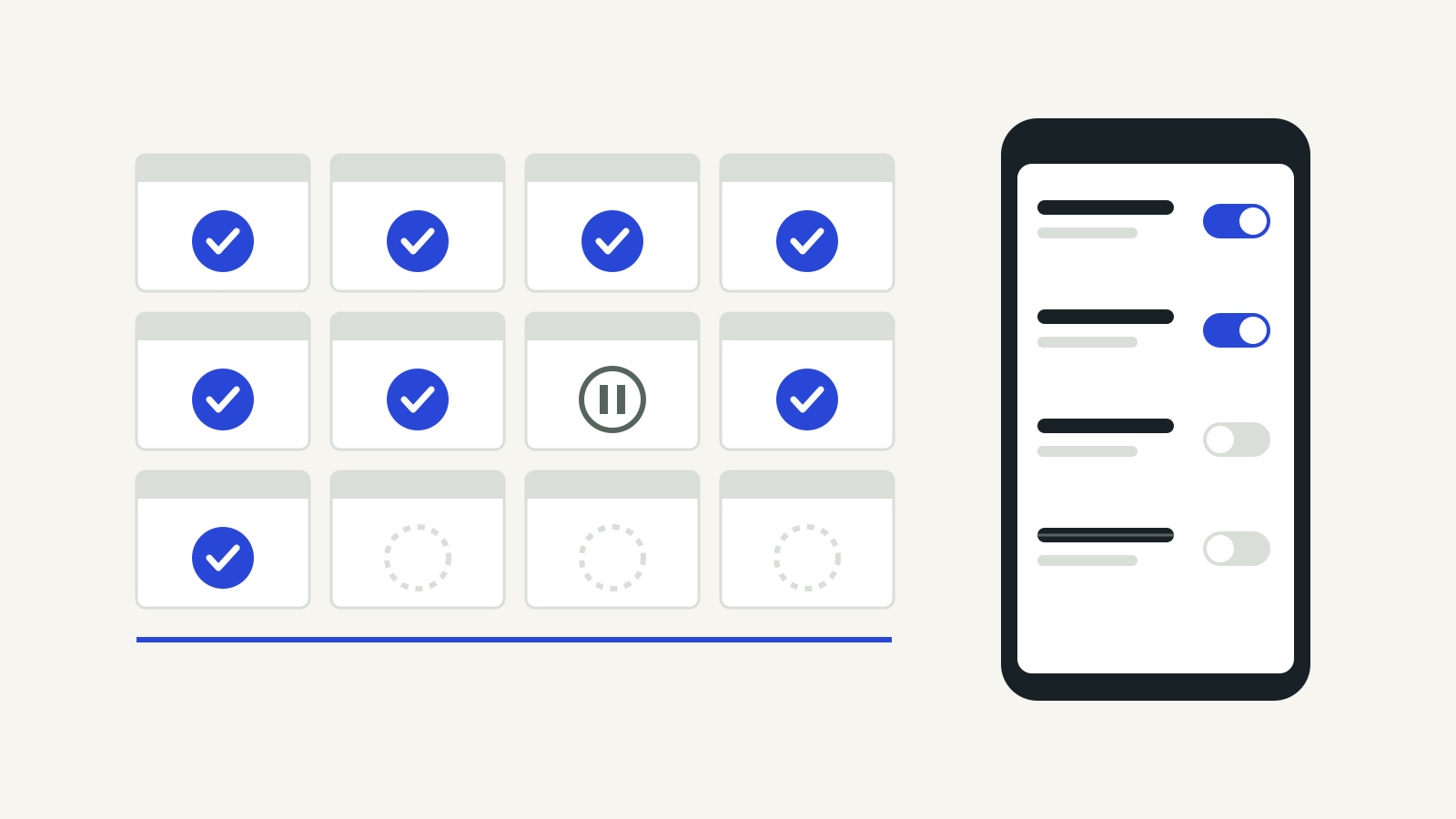
NPCI’s circular of 7 October 2025, “Enhancement of UPI Autopay”, told members to let users view all their active mandates in any UPI app of their choice, and set 31 December 2025 as the date to enable the change for new and existing mandates.
Under the consolidated rules, apps have to show this under “Manage Bank accounts” or a dedicated “UPI Autopay” section. If you have moved from one UPI app to another, the newer app should now list mandates you created in the old one.
You can also port a mandate, moving it to a different UPI app while the debit continues from the same bank account. The 2025 circular allowed one port in a rolling 90-day period; the September 2026 consolidated circular allows three. Porting must be your choice, started from the mandate’s details page. Apps are barred from using cashback, banners, notifications or any other nudge to get you to port, and from using the mandate details they can now see for any other purpose.
NPCI’s UPI Help as another route
NPCI also runs UPI Help, which it introduced as a pilot in a circular of 8 October 2025. According to that circular, it shows a user’s active mandates in a unified view and handles pause, resume and revoke requests through deep links to the relevant UPI app, where you confirm the action. The circular said it would be offered through participating banks’ channels and NPCI’s DigiSaathi, with UPI apps to follow, and that capacity would start limited. The UPI Help site asks for the mobile number linked to your bank account.
A quick checklist
- Open any UPI app linked to the account and go to “Manage Bank accounts” or “UPI Autopay” to see active mandates.
- Note the merchant name, amount, end date and UMN of anything you do not recognise.
- To skip one debit, pause; to stop for good, revoke. Both need your UPI PIN in the app.
- For a loan or EMI mandate, contact the lender, since apps need not offer pause or revoke there.
- If you cancel on the merchant’s site, confirm the mandate shows as revoked in your UPI app.
On cost, as we reported on the UPI MDR from 15 October, the official FAQs say recurring payments under UPI AutoPay do not carry prescribed MDR charges.
Questions
How do I cancel UPI AutoPay?
Open the mandate in any UPI app linked to the account, under “Manage Bank accounts” or “UPI Autopay”, choose revoke and confirm with your UPI PIN. You can also revoke through the merchant’s website or app, or through your bank.
Can I stop just one month’s debit?
Yes. Pause the mandate for that debit. Banks must offer pause, and merchants that accept UPI AutoPay must support it.
Why can’t I cancel my EMI mandate in the app?
NPCI’s rules exempt the Loan Payments and EMI Collection categories from the requirement that UPI apps offer pause and revoke. Speak to the lender.
Will I be warned before a debit?
For most mandates, yes: at least 24 hours before, with the merchant, amount, date and UMN. Automatic top-ups of FASTag, UPI Lite and NCMC are exempt.