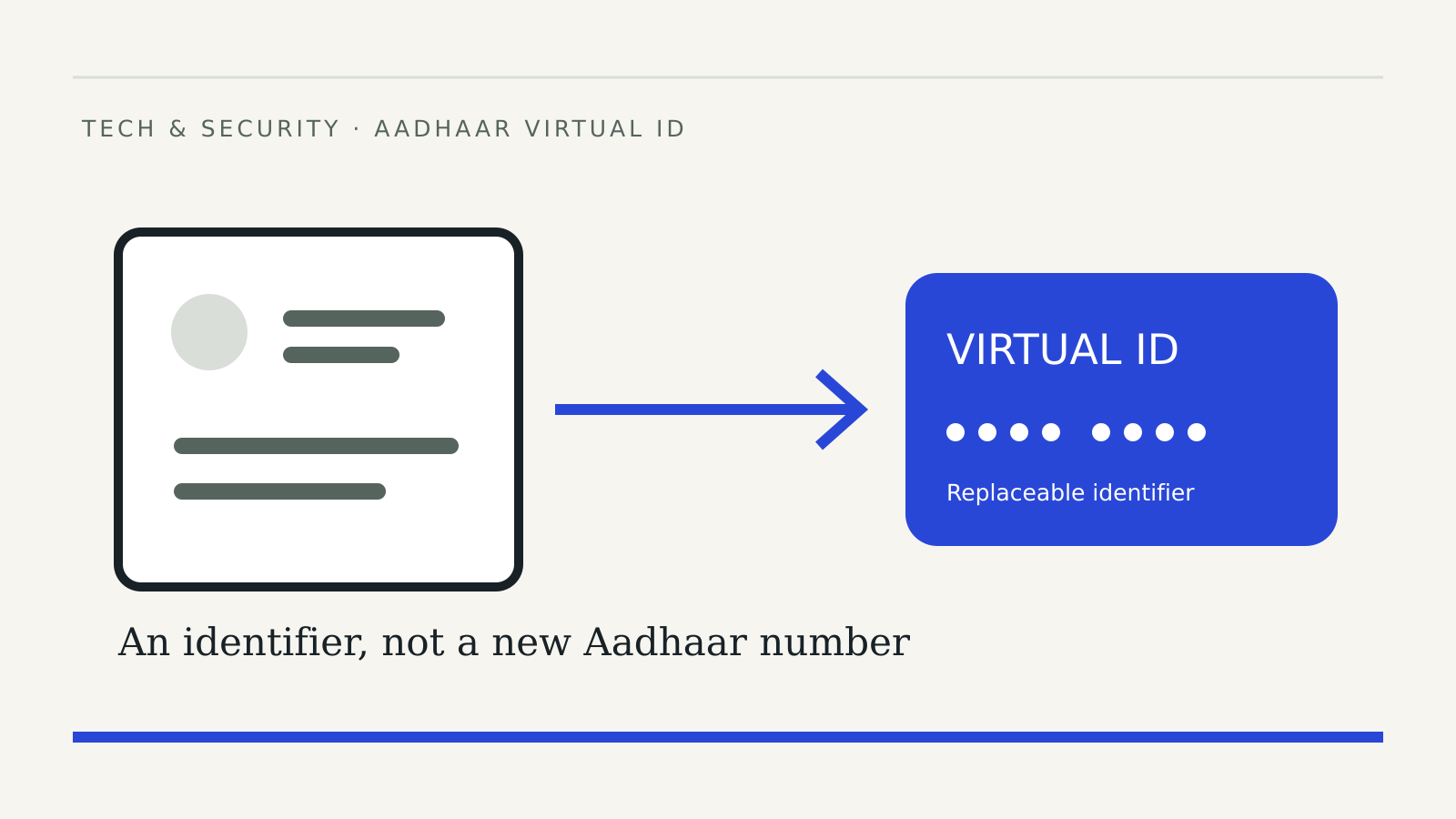
An Aadhaar Virtual ID, or VID, lets an Indian Aadhaar holder use a replaceable identifier for authentication instead of repeatedly sharing the underlying Aadhaar number. It is different from downloading a masked copy of the card or switching on a biometric lock.
The practical question is which service you need for the task in front of you. A form asking for authentication, an organisation asking for a document and a person asking you to disclose an OTP are different situations. Do not treat “Aadhaar verification” as a complete explanation of what is being requested.
Documentation checked: November 1, 2026. Follow the current UIDAI instructions when using a service; this guide does not reproduce a live account screen.
What a Virtual ID does
UIDAI’s authentication FAQ describes VID as a temporary, revocable, random 16-digit number mapped to Aadhaar. It can replace the Aadhaar number for authentication or e-KYC. The original number cannot be derived from it.
Only the Aadhaar holder can generate the VID, and only one is valid at a time. UIDAI says a VID remains valid until replaced; retrieving the existing VID and generating a replacement are different actions.
That makes it useful to decide what you intend to do before selecting a service. If you simply forgot the identifier, look for retrieval. If you want to replace it, read the generation instructions. Keep the confirmation so you know which action actually completed.
Use the official service directory
UIDAI’s My Aadhaar page lists Generate Virtual ID as a free service requiring mobile OTP for the online route. Open that directory yourself and follow its service link, rather than starting from an unsolicited message.
A sensible preparation routine is to check the address, confirm that you have access to the registered mobile and read the requested action before continuing. Do not let urgency from a caller turn that sequence into a rushed screen-sharing session. Our remote-access fraud guide explains that separate risk.
This article does not need your Aadhaar number, VID, mobile number or OTP. None should be posted in comments, attached to a public support request or included in a screenshot sent to strangers.
Generation, retrieval and consent
The FAQ also provides an SMS route through 1947 from the registered mobile: GVID followed by the last four Aadhaar digits for generation, and RVID followed by those digits for retrieval. Check the precise format on UIDAI’s page before sending.
VID-based authentication still requires the holder’s consent. UIDAI says an agency should explain the purpose and obtain explicit consent, and should not keep VID in its database or logs.
Treat the purpose as a real question. What service is being provided, which organisation is requesting the check and what is the next step? A request to confirm identity should not silently become permission for a different transaction. If the explanation is unclear, pause and contact the organisation through a channel you found independently.
VID and masked Aadhaar solve different tasks
The official service directory describes masked Aadhaar as a download showing only the last four digits of the Aadhaar number. It lists biometric locking as a separate service. A VID is an authentication identifier, a masked document changes what appears on a copy, and a lock controls an authentication capability.
| Your immediate task | What to read first |
|---|---|
| Use an alternative identifier for authentication | Virtual ID instructions |
| Provide a document with most Aadhaar digits hidden | Masked Aadhaar instructions |
| Restrict use of biometrics | Biometric lock instructions |
This is a navigation aid, not a promise that every organisation accepts every document or workflow. Ask what the receiving service supports before uploading anything. For the locking procedure, use our separate Aadhaar biometric lock guide.
If something does not match the instructions
Stop at the point of uncertainty. Note the service name and the error message without copying identity numbers into an ordinary email. Then return to UIDAI’s official help routes or the requesting organisation’s verified support channel.
Avoid repeatedly generating identifiers merely because a third-party form failed. First establish whether the problem concerns the identifier, the requested service or the organisation’s own form. Those possibilities require different information to resolve.