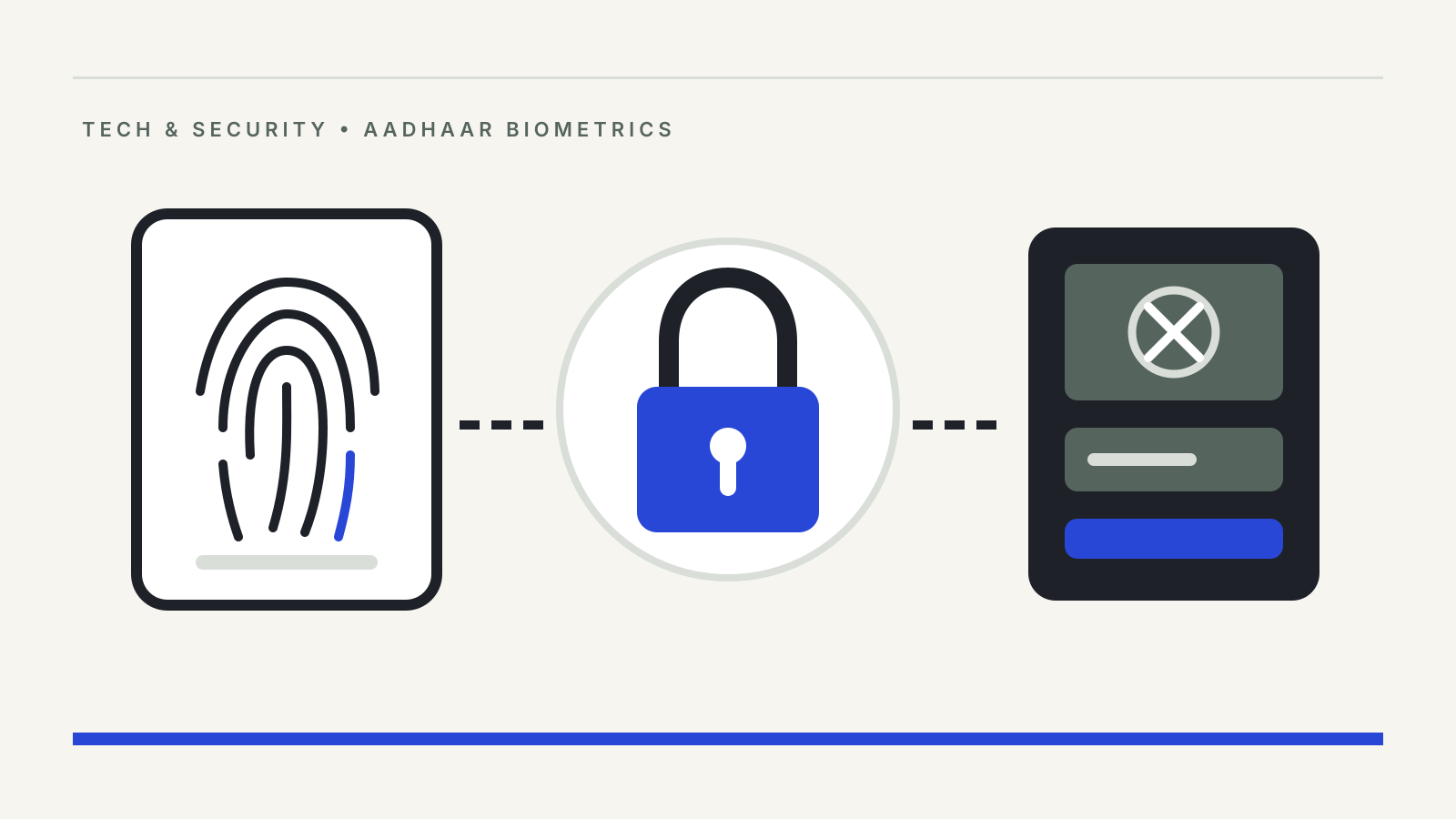
An Aadhaar biometric lock switches off fingerprint, iris and face authentication on your Aadhaar number until you choose to open it. While it is on, no bank agent, ration shop terminal or payment service can verify you with your biometrics, which makes it the most direct safeguard an ordinary user has against fraud in the Aadhaar Enabled Payment System (AePS). It is reversible, and you can set it up yourself if your mobile number is linked to Aadhaar.
The lock matters because AePS lets money leave a bank account on the strength of an Aadhaar number and a fingerprint. In a written reply to the Rajya Sabha on 31 July 2024, the Ministry of Home Affairs said around 29,000 AePS fraud incidents had been reported by citizens on the National Cyber Crime Reporting Portal. The same reply noted that the National Crime Records Bureau does not keep separate figures for biometric cloning cases, so that number is the clearest official count available.
What the lock does
UIDAI describes biometric locking as a service that lets an Aadhaar holder “lock and temporarily unlock their biometrics”, meant to strengthen the privacy of that data. According to UIDAI’s Aadhaar online services FAQ:
- All three biometric modes are covered. Fingerprint, iris and face are locked together; you cannot lock one and keep another.
- It blocks every entity, not just one. Once locked, UIDAI says no entity “by any means” can complete biometric Aadhaar authentication for you.
- Requests fail with a code. If anyone tries a fingerprint, iris or face check on a locked number, UIDAI returns error code 330, which tells the operator that the biometrics are locked.
- OTP and demographic checks still work. The biometric lock only stops biometric authentication. Services that verify you by a one-time password sent to your registered mobile number are not affected.
Aadhaar authentication itself comes in three forms: OTP, biometric and demographic, as the Ministry of Electronics and IT told the Lok Sabha on 18 March 2026. The lock removes the biometric route, which is the one AePS cash withdrawals depend on.
How to lock and unlock your biometrics
You need a mobile number registered with Aadhaar, because every lock and unlock request is confirmed by OTP. If your number is not linked, UIDAI says you must first visit an enrolment centre or a mobile update point.
There are two self-service routes, both listed on UIDAI’s website:
- The Aadhaar app. UIDAI’s Aadhaar app FAQ says the app offers a “one-click biometric lock/unlock facility”. The official app is published by UIDAI on Google Play and the App Store; install it only from those stores.
- The UIDAI website. The “Lock/Unlock Biometrics” service on uidai.gov.in leads to UIDAI’s resident portal, where the lock is switched on after OTP confirmation to your registered mobile.
To unlock, the FAQ lists the UIDAI website, the Aadhaar app, an enrolment centre or an Aadhaar Seva Kendra. It also separates two different actions. Unlocking is temporary, in UIDAI’s word: it opens biometrics so you can, say, give a fingerprint at a bank or ration shop, without switching the protection off for good. Disabling the locking system turns the feature off altogether until you enable it again.
In practice, that means unlocking just before you reach the counter rather than hours earlier. If you need biometric authentication often, for example for monthly ration or pension collection, plan for that step each time or keep OTP-based options in mind where the service allows them.
Biometric lock or Aadhaar lock?
UIDAI offers a second, stronger lock that is easy to confuse with the first. The Aadhaar number lock blocks all authentication on the number itself, whether biometric, demographic or OTP. The FAQ says that once it is on, you can still authenticate with your latest Virtual ID (VID), a stand-in number you generate, and you need that VID to unlock the Aadhaar number again. UIDAI’s FAQ describes SMS commands for this (GETOTP followed by LOCKUID), each confirmed by OTP; check the current SMS number on UIDAI’s website or with the toll-free helpline 1947 before relying on it.
For most people worried about fingerprint misuse, the biometric lock is the lighter and more practical choice. The Aadhaar number lock suits someone who rarely uses Aadhaar authentication and is comfortable keeping track of a VID.
What else protects AePS users
The lock is one layer. The Home Affairs reply of July 2024 listed others that the Indian Cyber Crime Coordination Centre, NPCI, UIDAI and the police had put in place:
- NPCI capped cumulative AePS cash withdrawals and BHIM Aadhaar Pay at ₹50,000 a month.
- NPCI advised AePS member banks to disable AePS for specific categories of accounts and to give customers options to enable or disable AePS debits. Ask your bank whether you can switch AePS debits off on your account if you never use them.
- Business correspondent agents, who run many AePS points, now authenticate each transaction biometrically, and banks were told to tighten KYC when onboarding them.
- NPCI’s AePS fraud management system was linked with the national cybercrime portal.
On the data side, the MeitY reply of 18 March 2026 says no entity may retain biometric data, only certified devices may be used, and every authentication agency must keep authentication logs for two years, which the Aadhaar holder can access. In a separate reply on 17 December 2025, MeitY said no breach of Aadhaar holders’ data had occurred from the UIDAI database. The lock is aimed at the other end of the chain: someone trying to authenticate as you at a terminal.
Check your authentication history
The Aadhaar app lists “check Authentication History” among its services. Look at it now and then. An authentication you do not recognise, especially a biometric one at a bank or AePS point, is a reason to lock your biometrics at once and contact your bank.
If money has already gone
Lock your biometrics, then report quickly. Call 1930 or file a complaint at cybercrime.gov.in, the route our cyber fraud complaint guide explains. Tell your bank in writing the same day: under the RBI’s rules on customer liability, how fast you report affects how much of the loss you may have to bear, as set out in our explainer on unauthorised electronic banking transactions.