A UPI app can show both a bank account and a linked RuPay credit card, but the two funding sources do not support every same transaction. A merchant purchase can be eligible while a payment to another person is not.
NPCI’s RuPay Credit Card on UPI page explains the link, payment process and restrictions. Before confirming a purchase, check which account the app selected and whether the merchant accepts that route.
What the link changes
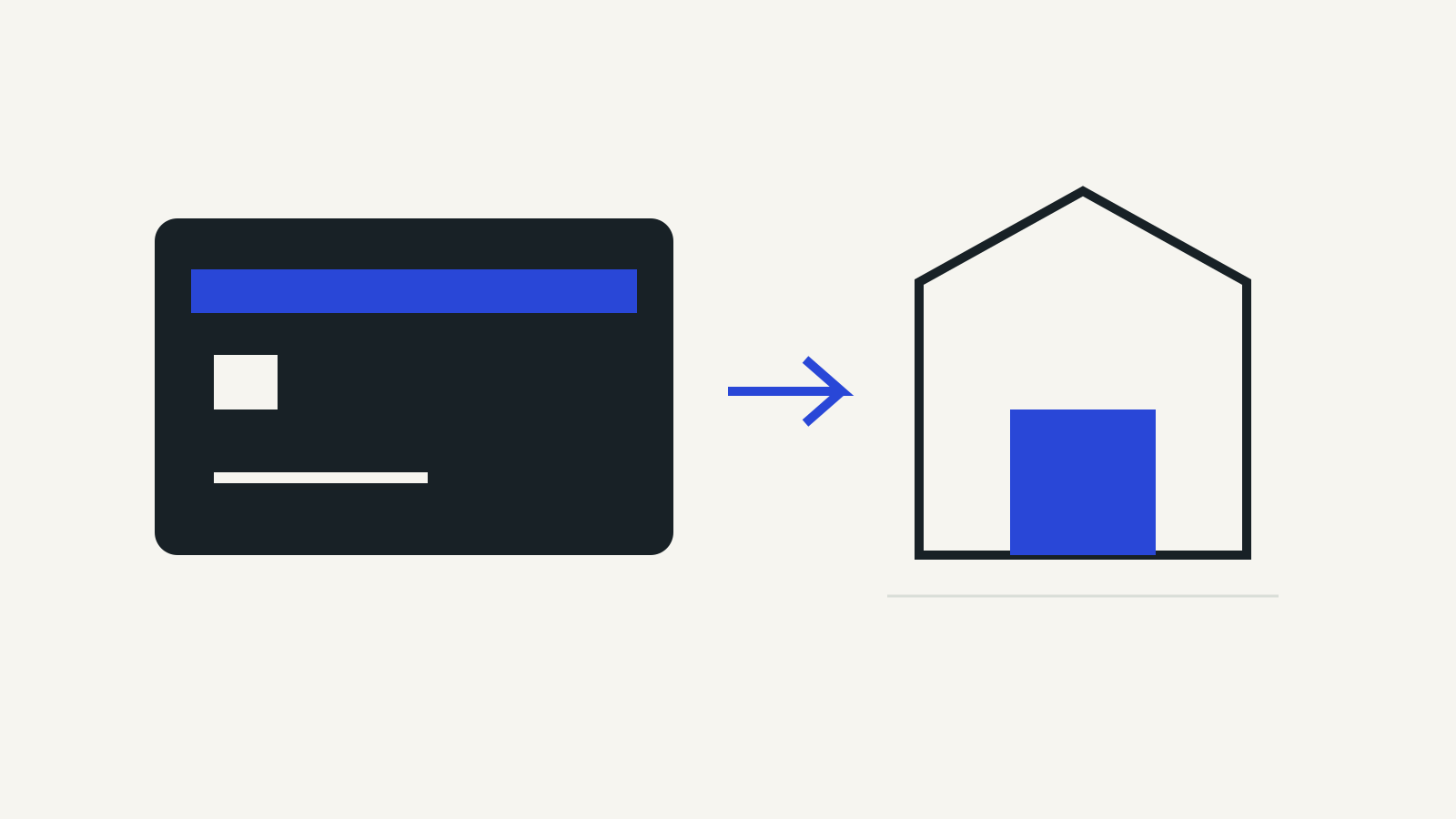
The feature lets an eligible RuPay credit card connect to a UPI ID. NPCI says the app discovers card accounts through the mobile number registered with the issuing bank. After linking, a customer can select the credit account when paying a merchant through a supported UPI app.
The purchase is authenticated with a UPI PIN. NPCI tells users to set a different PIN for credit-card-on-UPI transactions rather than reusing their savings-account UPI PIN or card PIN.
Linking changes the payment interface; the underlying funding source remains the credit card. The bank’s credit limit and card obligations still matter even though the purchase starts with a QR code.
Merchant purchases are the intended route
NPCI lists merchant QR and e-commerce payments as supported uses. It explicitly excludes person-to-person payments, P2PM, cash withdrawals and card-to-card payments through this feature.
Its restrictions also name categories such as mutual funds, IPOs and lending platforms, with other restrictions possible under issuer or RBI rules. A QR code alone therefore does not prove a purchase can use the linked credit card.
| Payment situation | What to check |
|---|---|
| Merchant QR purchase | Whether credit card on UPI is accepted |
| Payment to a friend | Person-to-person payments are excluded |
| Cash withdrawal | This functionality does not permit it |
| An investment or restricted category | NPCI and issuer restrictions apply |
NPCI says transactions follow UPI standard limits. Do not read that as permission to exceed the available credit assigned by the issuer.
Link the right card and mobile number
NPCI’s BHIM example starts with adding an account, selecting Credit Card, choosing the issuer and card, then setting the UPI PIN. Other supported apps can present their menus differently.
Keep the registered mobile number current with the card issuer. If a card does not appear, first check the bank and app’s support for the feature and whether account discovery uses the correct number. Repeatedly adding an unrelated bank account will not resolve an unsupported card.
Before paying, view the available balance and outstanding amount. The app’s payment screen should identify the chosen RuPay credit account so you can confirm that this purchase is being charged to it.
A successful QR payment still needs a bill payment
Using UPI to make a credit-card purchase does not settle the card bill. NPCI advises arranging timely bill payments and describes AutoPay and dispute-resolution features through supported UPI apps.
An EMI option may be offered for eligible purchases through the app’s purchase or transaction-history flow. Check the issuer’s terms before accepting it; the existence of the feature does not establish a universal rate or eligibility.
For recurring payment controls, see UPI AutoPay cancellation. If a payment needs a complaint, our UPI complaint guide explains the app, bank and escalation routes.